Skip to content
Sign up to our newsletter

Account Verification

Under this subscription contract, you agree to make regular payments to ResMed. To confirm you can meet your contractual obligations of your ResMed subscription, we will need to conduct a credit check.


For more information, please read our credit check FAQs.

Please be aware that if you submit multiple credit checks this may affect your credit score.

By clicking "Complete" you agree to the Resmed’s Privacy Statement

Verifying eligibility

${ title }

You have successfully logged in. Redirecting...

Sign in Login

Please check your email for a link to reset your password.

Submit Submit forgot password form

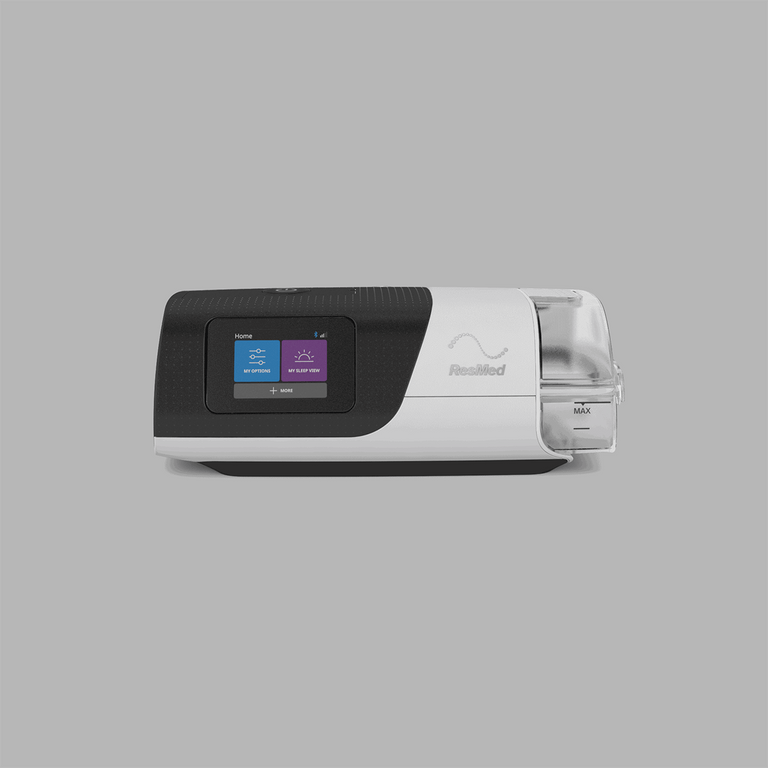
Resmed AirSense 11 Autoset Auto Machine CPAP Bundle

Description

Shop AirSense 11 AutoSet Bundle

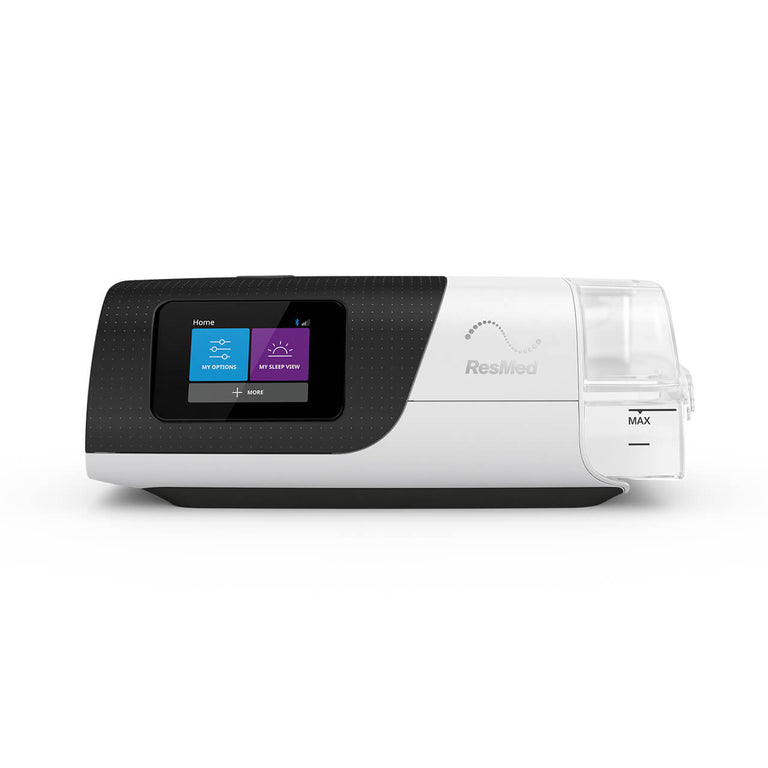
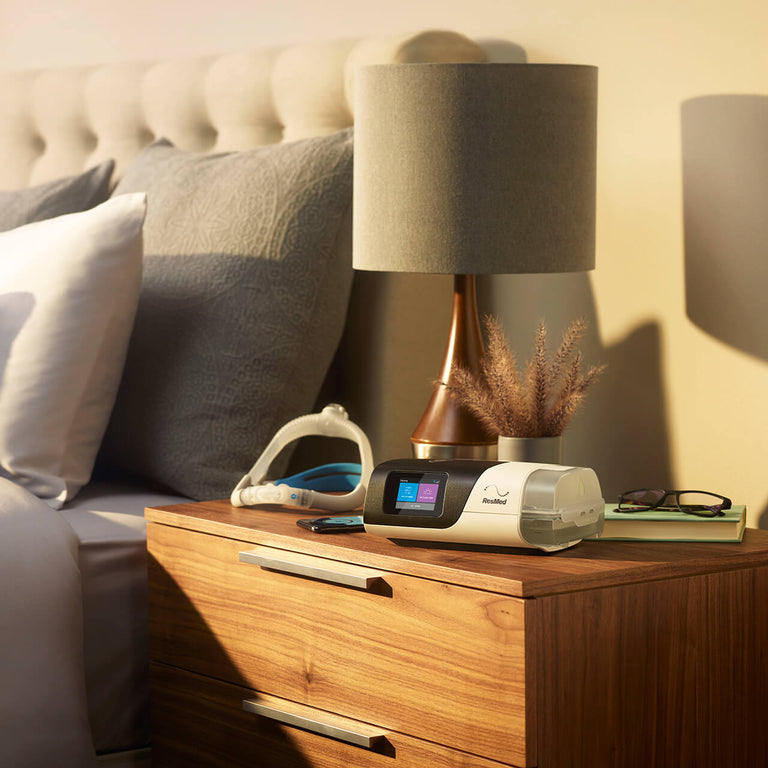
Introducing Resmed AirSense™ 11 AutoSet, the next generation CPAP machine that can auto-adjust air pressure based on your breathing requirements. To help make CPAP therapy easy and comfortable, AirSense™ 11 AutoSet comes with three different therapy modes, automatic updates and an enhanced design to simplify set up.

ALWAYS READ THE LABEL AND FOLLOW THE INSTRUCTIONS FOR USE. You should speak to your doctor about your symptoms and whether a CPAP device is suitable for you.

Key features

  • Set up made simple. Exciting updates to our myAir™ app make set up easier than ever. Feel confident when starting your CPAP therapy with features such as the Personal Therapy Assistant, which offers voice-guided video instructions, and Test Drive, a tool designed to help you become more comfortable before you begin therapy.  

  • Features that all make sense. Resmed AirSense™ 11 AutoSet boasts intuitive controls, an easy-to-use touch screen and customisable settings to ensure effortless navigation and personalised therapy. Our built-in Care Check-In feature also provides encouragement and helps you stay connected with your care team. 

  • Keep up to date with the latest technology. Receive automatic software updates with built-in cellular connectivity* to your device. 

    *Cellular connectivity depends on network availability

What is included

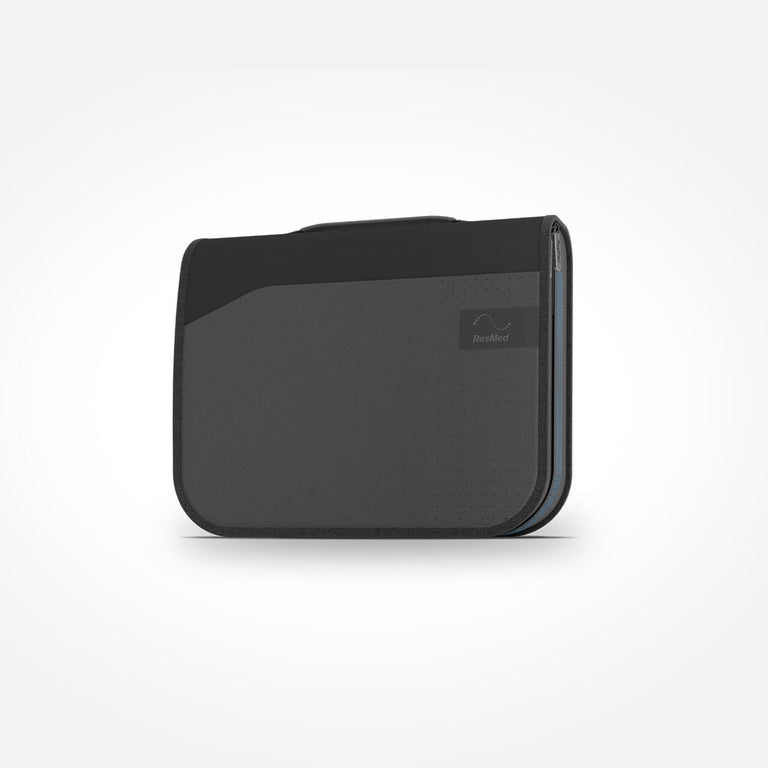
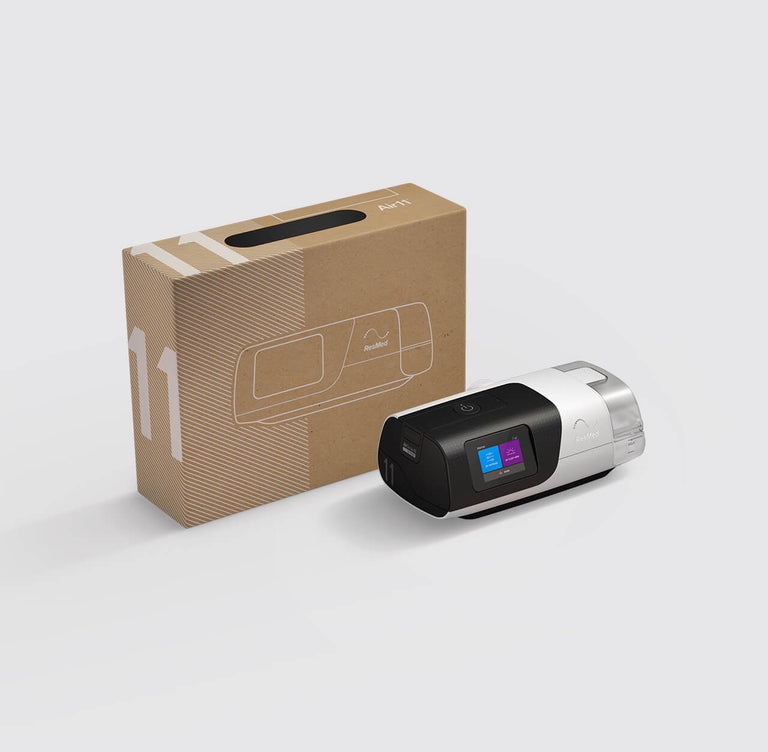
The AirSense 11 system includes the following: 

Additional features

  • Supported by myAir. Track your sleep apnea therapy progress with the myAir app, which collects therapy data from your machine to let you know how you slept the night before. It also offers personalised coaching tips and support. 

30 day money back guarantee

We're determined to help you sleep well. If you're not completely satisfied, talk to our team to find your perfect match, or you can return your purchase back for a full refund or exchange. It's peace of mind you take home for a better night's sleep.

Please note: If you return your Resmed EZ CPAP Subscription Plan within 30 days, any initial upfront payment fees or subsequent weekly payments from the date of sign up will not be refunded.

Terms and conditions apply.

Compatible Products

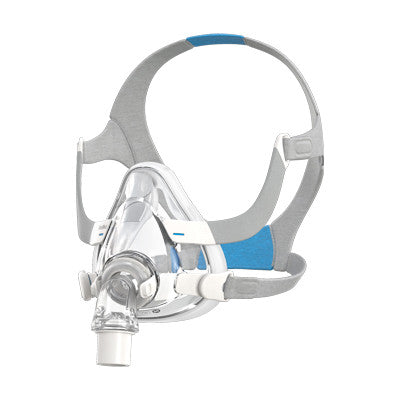
A compatible mask for a CPAP device is a specially designed mask that attaches to the CPAP machine and delivers continuous positive airway pressure (CPAP) to the patient.

AirSense 11™ SD Card

${ currentVariant.price | currencyFromCents } ${ currentVariant.compare_at_price | currencyFromCents } $134.95

AirSense 11™ Filter

${ currentVariant.price | currencyFromCents } ${ currentVariant.compare_at_price | currencyFromCents } $4.25 – $40.00

AirSense 11™ DC/DC Converter

${ currentVariant.price | currencyFromCents } ${ currentVariant.compare_at_price | currencyFromCents } $189.00

FAQs

Is there an AirSense 11 for her?

We have incorporated within the AirSense 11 device, the Autoset for Her algorithm. 

How to increase air pressure on the ResMed AirSense 11?

To change the pressure settings on the AirSense 11, contact our sleep coach for support. Please refer to the user guide or our Knowledge Hub for information on changing pressures. Note that we do not recommend changing this pressure as it is adjusted to your breathing algorithm. 

How to turn off my ResMed AirSense 11?

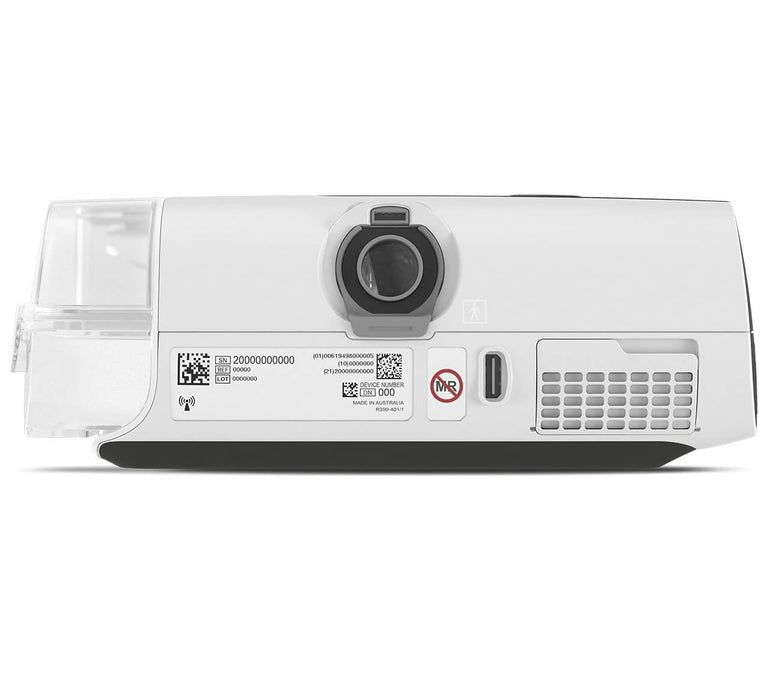
To turn on and off your AirSense 11, simply touch the start/stop button located on the top of the machine. For more information on how to turn on/off your AirSense 11 refer to our Knowledge Hub.

How to factory reset ResMed AirSense 11?

We do not recommend factory resetting your device. If you need help adjusting your CPAP machine settings, it's best to reach out to your doctor or provider.  Please refer to the clinical guide or our Knowledge Hub on how to reset the device.

Can I use my ResMed AirSense 11 without water?

There are two ways to use the AirSense 11 without water:  

Humidifier tub option:   

  1. Insert an empty tub into your CPAP machine. 
  2. Turn off humidification in the "My Options" settings. 


Side cover option:  

  1. Insert the side cover instead of the humidifier to disable humidification. 

How to factory rest the ResMed AirSense 11?

You can reset the ResMed AirSense 10 to its default factory settings by following these simple steps: 

1. From the Clinical Home screen, press” Settings”. 

2. Move down the menu to find “Configuration” options. 

3. Tap “Restore Default”. 

4. Tap “OK “to confirm or “CANCEL“ to return to the previous screen. 


We do not recommend to factory reset your AirSense 11 as it will delete all your CPAP therapy history. Contact our Customer Service Team for assistance with your machine. 

AirSense 11 Pre-Purchase FAQs

${ getPriceRange().min | currencyFromCents } –${ getPriceRange().max | currencyFromCents } ${ currentVariant ? currentVariant.price : product.price | currencyFromCents } ${ currentVariant ? currentVariant.compare_at_price : product.compare_at_price | currencyFromCents }
Sold Out Pre-order Added Add to Cart